
Course evaluation in Canvas
When a course has ended, you as a student are encouraged to complete the course evaluation. You can fill in the course evaluation directly in the course room in Canvas or via a link you receive by email. Once the teacher has analysed the responses to the course evaluation, the report will be available in Canvas.
Influence your education by completing the course evaluation
As a student, you can influence your education by sharing your views on the courses you take. A course evaluation is automatically created for each course. The course evaluation is based on a common template, and the course teachers can add their own questions.
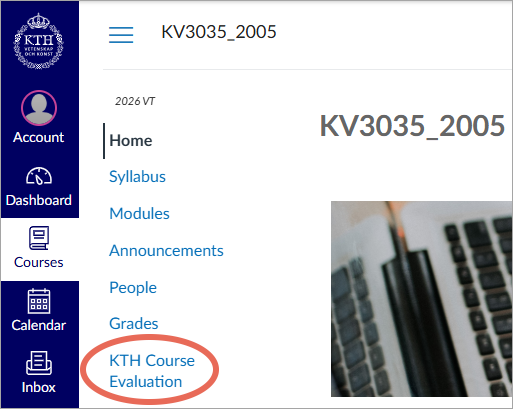
Complete the course evaluation under “KTH Course Evaluation”
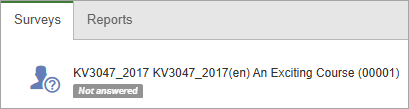
After the course, a course evaluation is sent out to all first-time registered students. You will receive an email with a link to the survey, but you can also access “KTH Course Evaluation” in the course room in Canvas. Under the “Course evaluations” tab, you will find the survey.
Read the teacher’s reflections on the course evaluation
Once the course survey has closed, the teacher must carry out a course analysis and publish it no later than 7 weeks after the course end date. As a student, you will receive an email with a link to the report, but you can also go to “KTH Course Evaluation” in the course room in Canvas and find the report under the “Reports” tab.
